Imagine this scenario: You are planning a vacation. You find a hotel online, and the photos look absolutely breathtaking. The room looks spacious, the pool looks massive, and you immediately book it.
But when you finally arrive, reality hits. The "spacious" room is actually tiny, and the photographer just used a clever camera lens to make it look big. The "massive" pool is the size of a bathtub. We have all been there. Photos can be easily manipulated to show only the best parts of a room while hiding the bad parts.
This exact problem is why 360° Virtual Tours were invented. But what exactly are they, and how do they work? Let’s put away the confusing tech jargon and explain it in plain English.
What is a 360° Virtual Tour?
Have you ever used Google Street View to look at a neighborhood before you drive there? You drop the little yellow man onto the map, and suddenly, you can look up at the sky, look down at the road, and turn in a complete circle to see the buildings around you.
A 360° Virtual Tour is exactly like Google Street View, but for the inside of a building.
Instead of looking at a flat, normal photograph, a virtual tour puts you inside the picture. It is a digital replica of a physical space. If you are looking at a virtual tour of a house, you can swipe your finger on your phone screen to look up at the ceiling fan, look down at the floor tiles, and turn all the way around to see what is behind you.
How is it Different from a Video?
This is a very common question. Why not just watch a video walkthrough of a house or a hotel?
"Watching a video is like being a passenger in a car. You only get to see what the driver (the cameraman) decides to show you, and at their speed.
A Virtual Tour puts YOU in the driver's seat."
In a virtual tour, there is no "Play" or "Pause" button. You control the journey. You can click on the hallway to "walk" into the kitchen. If you want to spend five minutes staring at the kitchen countertops, you can! You move at your own pace, exploring the rooms that matter most to you.
Do I Need a Fancy "VR Headset" to See It?
Absolutely not! This is the biggest myth about virtual tours.
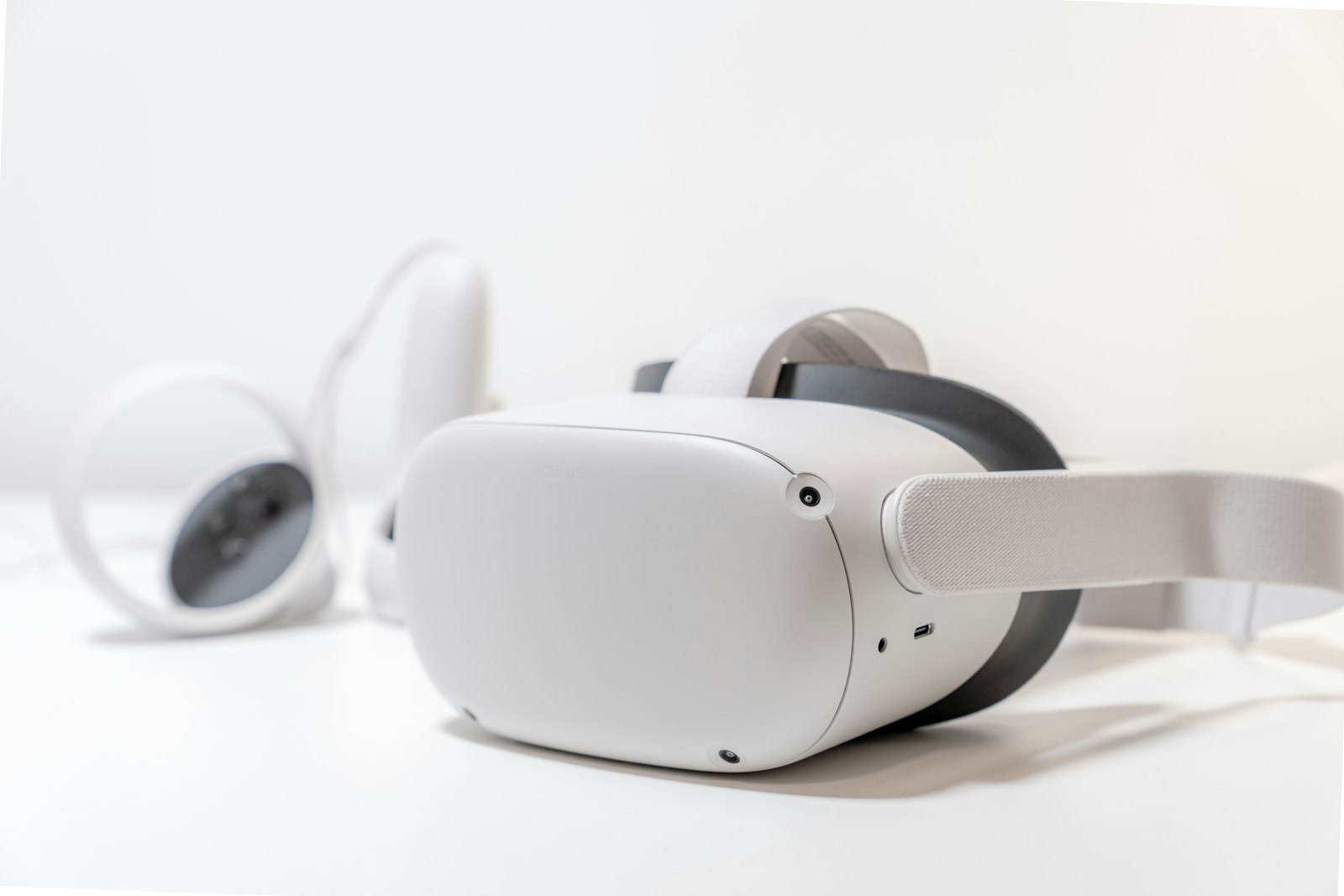
When people hear the word "virtual," they immediately picture someone wearing those big, clunky, expensive goggles over their eyes. While you can view these tours with a headset if you want to, 99% of people simply use their everyday devices.
- On a Smartphone: You just tap the screen and swipe your finger to look around. On many phones, you can actually just physically spin around in your living room, and the picture on your screen will move with you!
- On a Computer or Laptop: You simply click your mouse and drag it across the screen to look in different directions.
- No Apps Needed: You don't have to download any special software. It works instantly on normal web browsers like Google Chrome, Safari, or WhatsApp links.
Why Are They So Useful?
For everyday people, virtual tours are the ultimate "try before you buy" tool. They save you time and prevent disappointment.
- Buying a House: Instead of driving all day to look at 10 different apartments, you can "walk" through all 10 of them on your laptop while sitting on your couch. You can filter out the ones you don't like instantly.
- Choosing a School: If you are sending your child to a college in another state, you can virtually walk through their campus, classrooms, and hostel rooms to make sure it is safe and clean.
- Booking a Restaurant: Before booking a table for a large family dinner, you can take a virtual look inside the restaurant to see if the tables are too cramped or if it has a nice atmosphere.
For Business Owners: Why Do You Need One?
If you own a business—whether it's a hotel, a clinic, or a retail shop—trust is everything. Today’s customers are smart, and they are skeptical of overly-edited photos.
By putting a virtual tour on your website or your Google Maps listing, you are telling your customers: "We have nothing to hide. Come on in and take a look around!" It proves that your business is exactly as beautiful as you say it is. When customers feel that level of trust, they are far more likely to buy from you.
Summary
To put it simply, a 360° virtual tour is the closest thing we have to teleportation. It is a fun, incredibly easy-to-use technology that lets you explore the world from the palm of your hand, without any confusing tech skills required.
Want to see one in action?
The best way to understand a virtual tour is to try one yourself! Click below to walk through some of the beautiful spaces we have captured.
Explore Our Portfolio